· Security · 4 min read
Is SnapVade a Virus? The Truth About Safe Media Downloading
We investigate the safety, security architecture, and performance of SnapVade to answer the critical question—is it safe to install on your device?
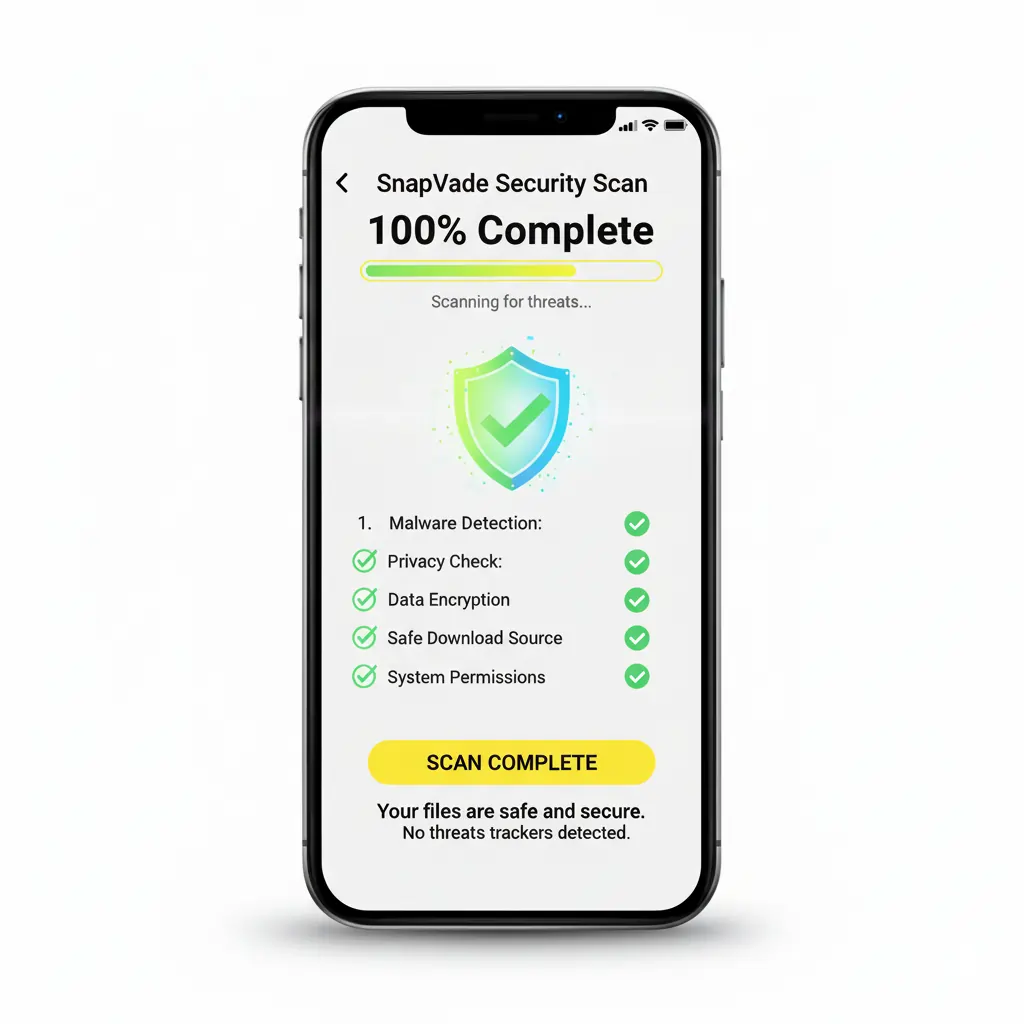
You found a powerful tool that promises 4K downloads from TikTok, Instagram, and YouTube. It’s free. It’s feature-rich. But before you install it, you need to know one thing: Is SnapVade safe, or is it a virus?
The short answer is no, SnapVade is not a virus.
However, valid concerns often arise because SnapVade is not distributed through the Google Play Store due to platform restrictions on video downloading utilities. This requires users to “sideload” the application, a process that triggers standard security warnings on Android devices.
This article breaks down the security architecture of SnapVade, explains why it requires specific permissions, and demonstrates how to ensure you are using the legitimate, malware-free version of the software.
The Security Architecture: Why SnapVade is Safe
SnapVade operates on a privacy-first architecture designed to archive media without compromising user data. Unlike malicious software (malware) or spyware, SnapVade does not log personal browsing history, track keystrokes, or sell user data to third-party advertisers.
Permissions Explained
When you install SnapVade, it requests specific permissions. Here is exactly why it needs them:
- Storage Access: Required to save the downloaded MP4 and MP3 files directly to your device’s gallery.
- Network Access: Essential to connect to social media servers (like TikTok or YouTube) to fetch the video file.
If an app asks for permissions outside this scope—such as access to your contacts or SMS—you are likely using a fake version.
Safety Alert: Malicious clones of popular apps exist. Always ensure you are downloading the installer directly from the official SnapVade website. Third-party APK repositories cannot be trusted to host the clean file.
Does SnapVade Actually Work?
Beyond safety, a downloader is only as good as its performance. SnapVade distinguishes itself from generic web-based converters by offering a dedicated application engine. This allows for features that browser-based tools simply cannot match.
Core Capabilities
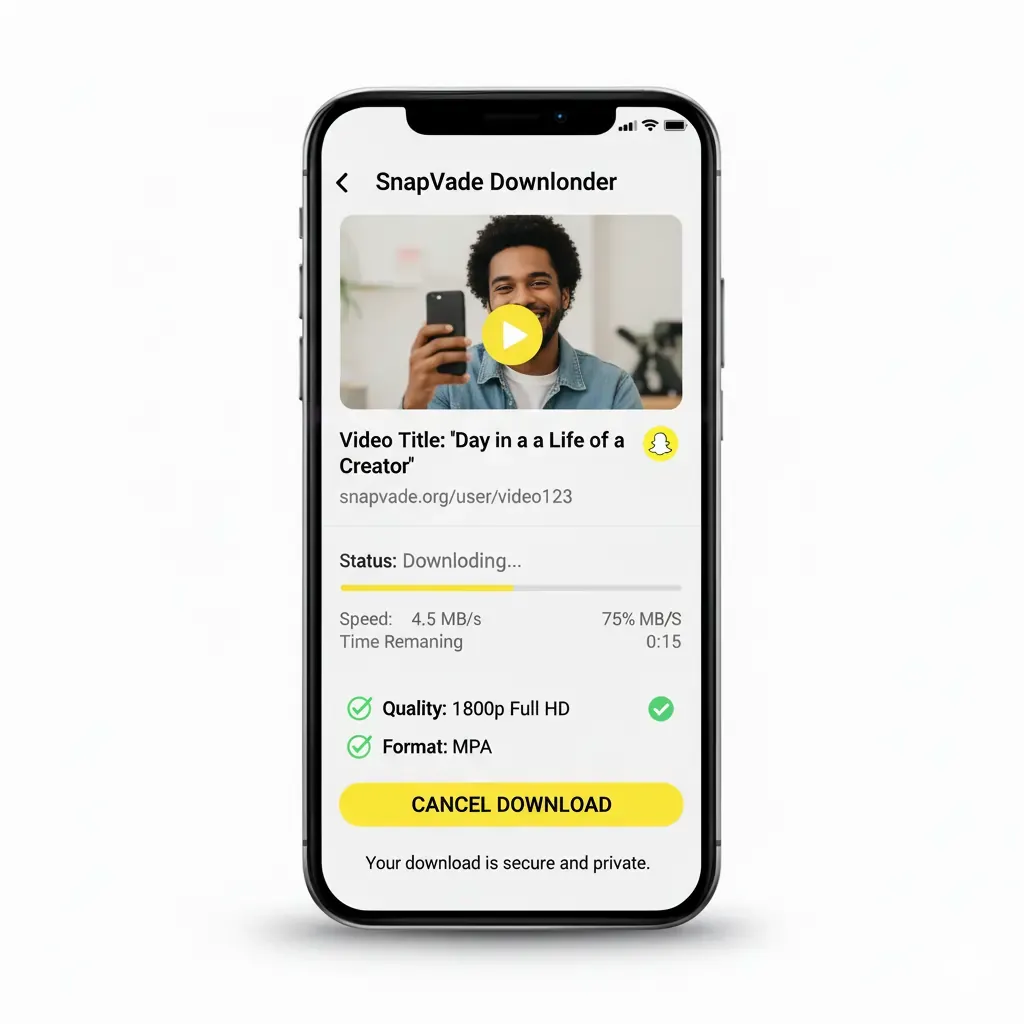
- High-Fidelity Preservation: Support for resolutions ranging from SD (480p) up to 4K Ultra HD.
- Batch Processing: Queue multiple links simultaneously—ideal for archiving entire playlists or series.
- Format Versatility: Built-in extraction tools convert video containers into high-quality MP3s for audio-only playback.
- Universal Compatibility: Works seamlessly with Facebook, Instagram (Reels/Stories), TikTok (Watermark-free), Twitter/X, and YouTube.
Comparison: SnapVade vs. Web Converters
Many users risk their security by using popup-heavy web converters. Here is how the native application compares to standard browser tools:
| Feature | SnapVade App | Web-Based Converters |
|---|---|---|
| Ad Intrusiveness | Minimal / None | High (Popups & Redirects) |
| Download Speed | Optimized for 5G/WiFi | Throttled / Slow |
| Max Resolution | 4K Ultra HD | Often capped at 720p/1080p |
| Batch Downloading | Supported | Not Supported |
| Privacy | No Data Logging | Cookies & Tracking Pixels |
How to Install SnapVade Safely
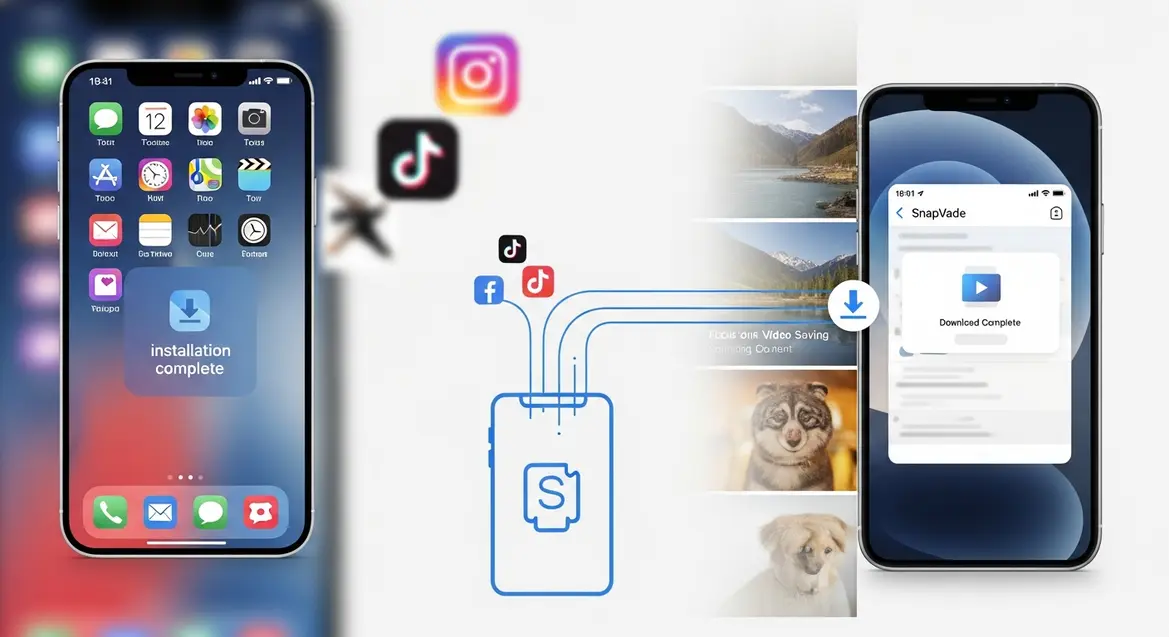
Because SnapVade bridges the gap between online streams and offline storage, it must be installed directly. Follow these steps to bypass the “Unknown Sources” friction safely.
For Android Users
- Navigate to the official SnapVade website.
- Go to Settings > Security on your device and enable “Install from Unknown Sources.”
- Download the legitimate APK file.
- Open the file and follow the on-screen prompts.
- Launch the app and verify the interface matches official screenshots.
For iOS Users
- Visit the official site via Safari.
- Tap “Download for iOS” and allow the configuration profile download.
- Go to Settings > General > VPN & Device Management.
- Locate the SnapVade profile and tap Install.
Frequently Asked Questions
Is SnapVade free?
Yes. SnapVade provides premium utility—including 4K support and batch downloading—completely free of charge. There are no hidden subscriptions.
Why isn’t it on the Play Store?
Google’s policies restrict apps that allow video downloading from YouTube. This is a policy compliance issue, not a safety issue.
Can I download audio only?
Absolutely. The app includes a converter to extract audio tracks from videos, saving them as MP3s.
Final Verdict
SnapVade is a legitimate, robust utility for media archiving. The “virus” rumors stem largely from the misunderstood process of sideloading apps on Android. As long as you download the installer from the official source, SnapVade provides a secure, private, and high-performance way to build your offline media library.