The Only Downloader You Need for 4K Offline Playback
Stop relying on spotty internet connections. SnapVade allows you to archive high-fidelity video and audio from Snapchat, TikTok, Instagram, and YouTube directly to your device storage. No watermarks, no fees, no subscriptions.
Universal Platform Support
SnapVade integrates seamlessly with the world's most popular content streams.





Is SnapVade a Virus? Addressing Security Concerns Directly
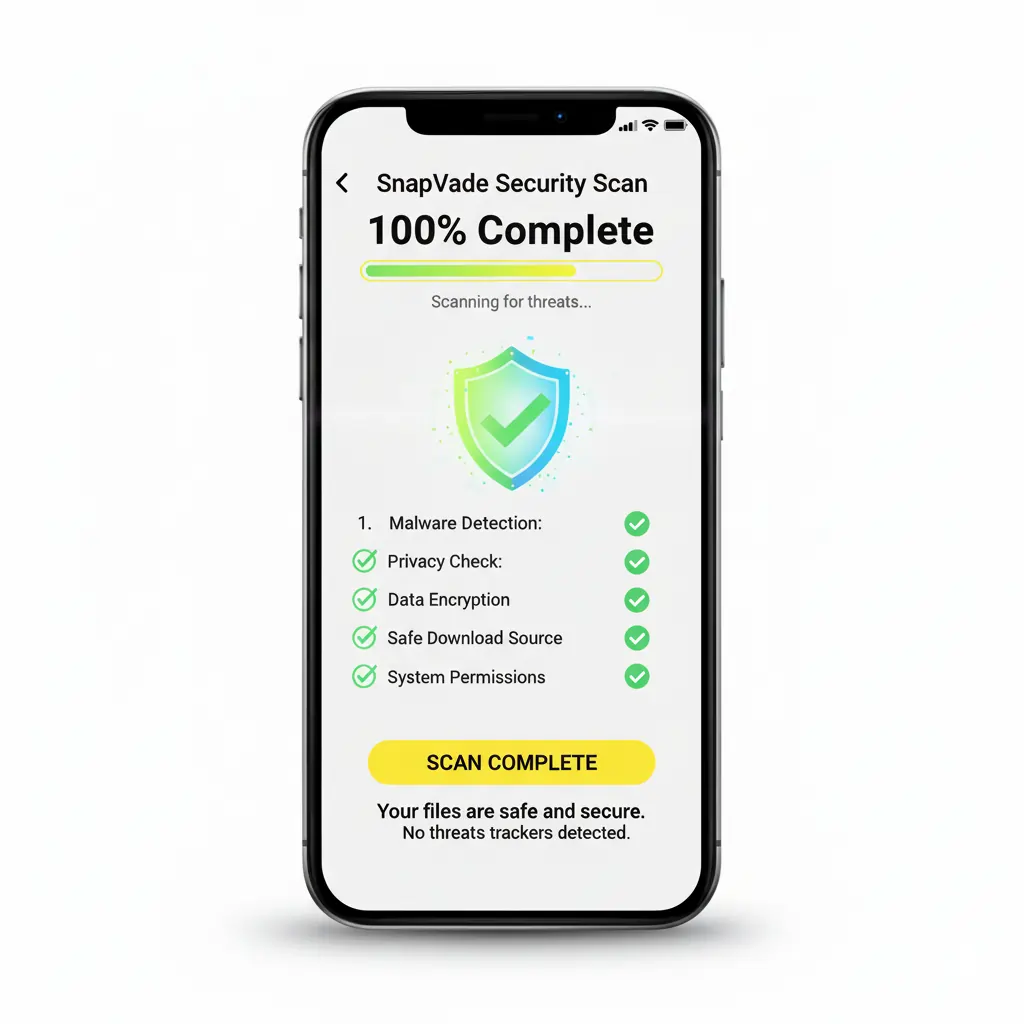
Security is the primary concern for users downloading third-party utility apps, and rightly so. A common search query is 'is SnapVade a virus,' and the answer is a definitive no. SnapVade is a legitimate media archiving tool designed with a privacy-first architecture.
Unlike malicious software that mines data or injects adware, SnapVade operates strictly as a link-processing engine. It extracts the media file from the URL you provide and saves it to your local storage. It does not require root access on Android or jailbreaking on iOS, ensuring your device's security sandbox remains intact.
We actively monitor user feedback on platforms like Reddit to address any community concerns immediately. Furthermore, all installers are scanned for malware to ensure a clean installation environment. Your download history is local to your device; we do not log, track, or sell your personal browsing data.
Why SnapVade Outperforms Web-Based Converters
Browser-based downloaders are slow, ad-ridden, and unreliable. SnapVade offers a native app experience with premium capabilities.
True 4K & 2K Support
Don't settle for pixelated 720p. We preserve the original source fidelity, supporting resolutions up to 4K Ultra HD for crystal-clear offline viewing.
Watermark-Free TikToks
Cleanly remove platform branding. Download TikToks and Reels without the distracting floating logos, perfect for content creators and archivists.
Built-in MP3 Extraction
Convert video to audio instantly. Extract high-quality MP3 tracks from music videos, podcasts, or lectures for background listening.
Batch Downloading
Queue up entire playlists or multiple stories at once. Our multi-thread engine processes simultaneous downloads to save you time.
Installation Guide
SnapVade is not available on standard app stores due to platform restrictions on media downloading. Follow these steps to install the official version.
Step 1: Get the Installer
For Android users, download the APK. iOS users will need the Configuration Profile. Always ensure you are sourcing these from the official SnapVade website to avoid clones.
Step 2: Grant Permissions
Android: Enable 'Install from Unknown Sources' in settings. iOS: Go to Settings > General > VPN & Device Management and trust the SnapVade profile.
Step 3: Launch & Download
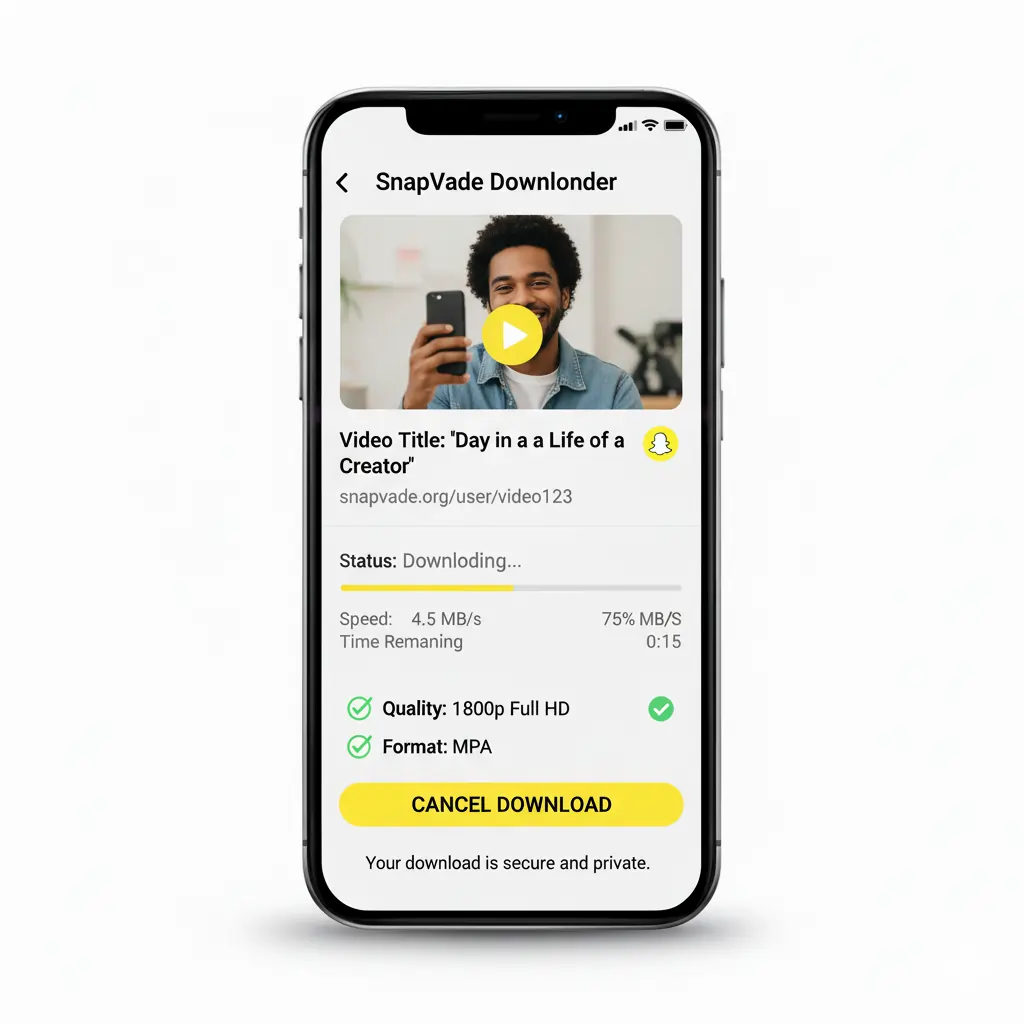
Open SnapVade. Copy a link from your favorite social app (Share > Copy Link) and paste it into the search bar. Select your quality and hit Download.
Mastering the SnapVade Workflow
SnapVade is designed for efficiency. Whether you are archiving a tutorial from YouTube or saving a funny skit from TikTok, the process is unified across all platforms. The app intelligently detects the source URL and offers relevant format options automatically.
- Smart Clipboard Detection: SnapVade recognizes when you've copied a video link and can auto-paste it for you.
- Gallery Integration: Downloads are saved directly to your device's native gallery or file manager, making them easy to share or edit in other apps.
- Background Processing: You don't need to keep the app open. Start a batch download and switch back to your browsing; SnapVade notifies you when it's done.
For visual learners, check out community tutorials on TikTok to see advanced tips and tricks.
Honest Assessment: Pros & Cons
Pros
- ✔Completely Free: No hidden subscriptions or 'premium' unlock fees.
- ✔High Quality: Supports 4K and 60fps downloads where available.
- ✔Cross-Platform: Works flawlessly on both Android (5.1+) and iOS (10+).
- ✔Clean Files: Removes watermarks from TikTok and similar platforms.
- ✔Privacy Focused: No user data tracking or account requirement.
Cons
- ✘Sideloading Required: Not available on Google Play or Apple App Store.
- ✘Manual Updates: Users must visit the site to download new versions.
- ✘Ad-Supported: The free model is sustained by non-intrusive ads.
Technical Specifications
Ensure your device is ready for the ultimate media utility.
Android Compatibility
Android 5.1 (Lollipop) through Android 15. Optimized for 5G devices.
iOS Compatibility
iOS 10 through iOS 18. Supports iPhone 6s up to iPhone 16 Pro Max.
Supported Formats
Video: MP4, AVI, WMV, MKV. Audio: MP3, M4A, AAC.
Network Requirements
Works on 4G/5G and Wi-Fi. High-speed connection recommended for 4K files.
App Size
~45MB (varies by device). Lightweight footprint optimized for battery life.
Latest Version
v4.2.0 (Updated Oct 2025)
Frequently Asked Questions
Common queries about installing and using SnapVade.
Does SnapVade work on the latest iOS 18?
Yes, our development team actively updates the configuration profile to ensure compatibility with the latest iOS versions, including iOS 18 and iPadOS 18.
Why isn't SnapVade on the App Store?
Apple and Google restrict apps that allow downloading content from YouTube and other proprietary platforms. Sideloading via our official site is the only way to provide this unrestricted functionality.
Can I download private videos?
SnapVade respects privacy settings. You can generally only download content that is publicly accessible. We do not encourage bypassing security measures to access private data.
How do I update the app?
Since we are not on the App Store, you simply visit this website and download the latest installer. Installing it will overwrite the old version while keeping your settings intact.
Is there a limit to how many videos I can download?
No. SnapVade is unlimited. You can download as many videos and songs as your device storage can handle.
Does it work on PC or Mac?
SnapVade is currently mobile-first (Android and iOS). However, M1/M2 Mac users may be able to sideload the IPA file for desktop use.
Start Building Your Offline Library Today
Join millions of users who trust SnapVade for fast, secure, and high-quality media archiving.